
EACC Design Guidelines
Pixels, Prints, and Panic?
Don't Worry, We Got You.
Design your masterpiece from scratch (We believe in you!) or sit back and let our design pros swoop in like creative superheroes. Whether you’ve got a full-blown vision or just a doodle on a napkin, we’ll turn it into something print-worthy—no stress, no mess,just ridiculously great stuff.
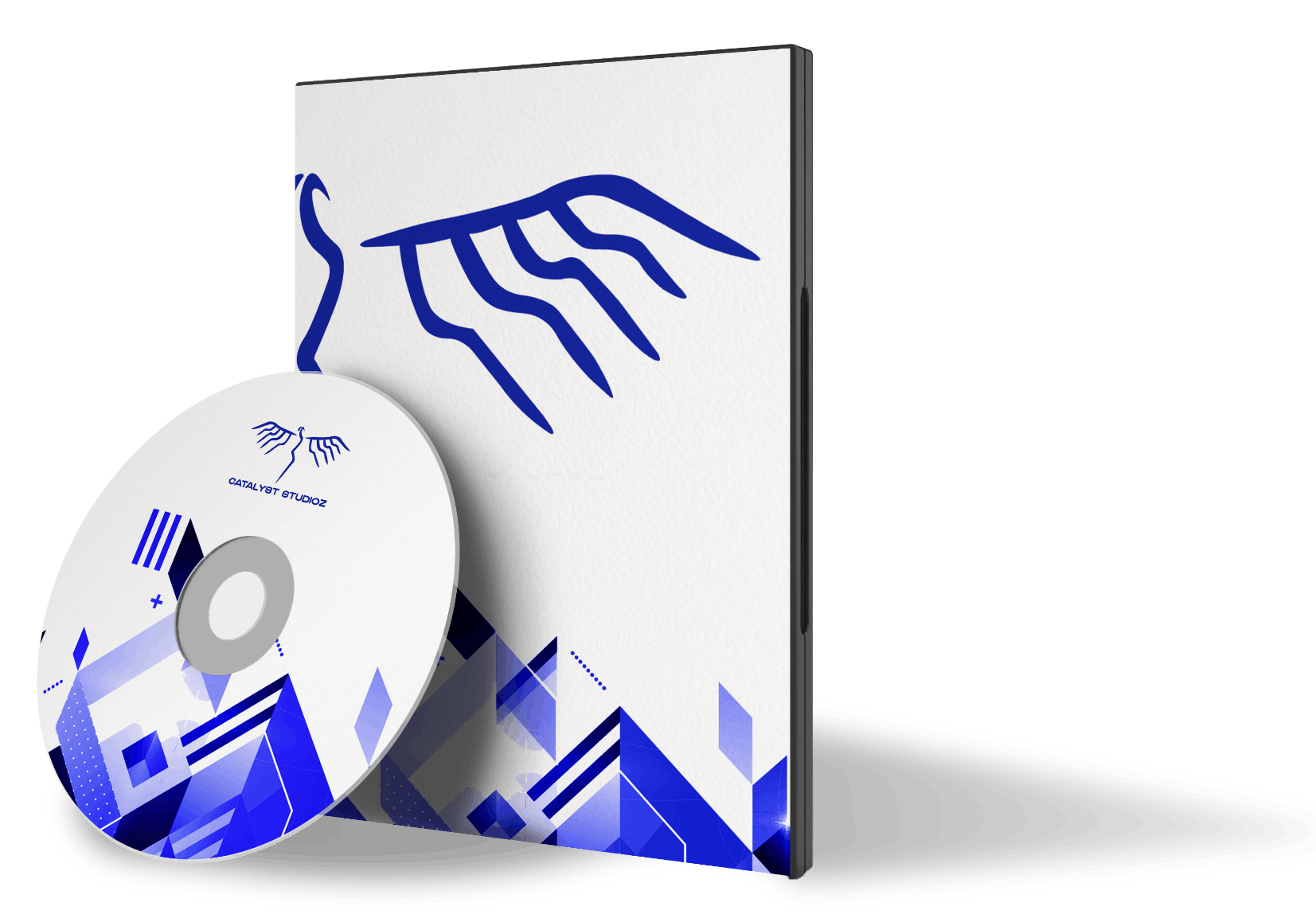
Easy communication, no ghosting

Tailored designs for any product

Promo Products that Tell Your Story
Proof We Know What We're Doing!
Take a peek at the creative magic we've whipped up for awesome clients just like you.
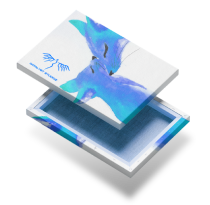
Place holder for products designed for customers
FAQ

- Q:
Can I use my own design?
A:Heck yes! Upload your masterpiece and we’ll take it from there.
- Q:
Do you do really weird custom designs?
A:We’ve seen things. Send it over – we’re up for the challenge.
- Q:
How do I know my design will look good when printed?
A:Our team reviews every file before printing so you don’t end up with a pixelated disaster. We got your back (and front, if it's a shirt).
- Q:
How much does custom design cost?
A:It depends on how fancy you want to get! Basic tweaks? Super affordable. Full-blown brand refresh? Still totally worth it. We’ll always give you a quote before anything’s final.
We have prepared the following guide to assist you with your electronic file preparation and submission. If you have a specific problem that is not covered in this guide, or have other questions, please feel free to contact us. Improperly prepared files can cause delays in manufacturing.
Quick Checklist
- All fonts are included.
- Type is legible and crisp.
- Page layout is correct.
- Margins are set.
- Artwork matches the specified dimensions.
- All linked files, images, and fonts are placed in separate folders.
- Colors in CMYK mode.
Bleeds
A 1/8" border must be added to pictures and designs bleeding to the edge, so that there is no white space or border showing around the artwork. It is also important to keep text at least a 1/4" away from the paper edge or the trim line to prevent accidental cropping.
Color Specifications
Print previews are not a safe and sure measuring tool for color accuracy. Colors on the file might be effected by monitor calibration, screen resolution and lighting, just to name a few. Many Pantone colors show a marked color shift when converted to four color process.
For one, two or three color jobs printed in Pantone spot color, make sure your colors are specified as spot color and they separate correctly. You can test this by printing separations on your laser printer.
To achieve the desired color on press, digital files must reflect accurate color models and percentage. Please make sure all colors are in CMYK mode for color accuracy and a better quality output.
Image Resolutions
- All images and pictures should be 300 dpi.
- Rasterized text or logos should be 1200 dpi.
- Screen values should be between 133 lpi and 150 lpi.
Guidelines by Application
The following outlines the specific file requirements by application. If you have any questions, please contact our graphics department.
Adobe Photoshop
Files should be 300 dpi at 100% of actual size for quality offset reproduction.
Files should be saved in PDF format (embed all fonts and set the screen value to 133 lpi.)
- All images and pictures should be 300 dpi.
- Rasterized text or logos should be 1200 dpi.
- Screen values should be between 133 lpi and 150 lpi.
Digital Proofs
We provide PDF files as electronic soft proofs. These digital proofs intend to show you the layout and design elements of your job, but cannot be a guarantee of color accuracy. If color accuracy is of extreme importance to you, please ask for a hard copy proof. Scan all transparencies and line art at 100% of final size unless data size is prohibitive. If such a case occurs, scan at 1/4 or 1/2 of final size. Scan all transparencies and line art at 100% of final size unless data size is prohibitive. If such a case occurs, scan at 1/4 or 1/2 of final size.